
Plans and setupCompare video conferencing plans by what you really use: participants, meeting length, cloud recording, webinars and breakout rooms, plus large meetings.
Nov 6, 2026 · 59 views
Remote workLook good on camera in every video meeting: light from the front, the camera at eye level, a calm background or a blur, and clear sound. No new gear needed.
Nov 3, 2026 · 72 views

Remote workRun remote team meetings and daily stand-ups that end on time: one recurring link, a fixed order, the chat for details and short follow-ups in smaller rooms.
Oct 31, 2026 · 67 views

Webinars and eventsHow to host a webinar from start to finish: schedule it, collect registrations, rehearse in a practice session, take questions in Q&A and follow up afterwards.
Oct 29, 2026 · 65 views

Education and trainingTeach online classes with one weekly link, safe class settings, group work in breakout rooms, polls and recordings for students who missed the lesson.
Oct 27, 2026 · 65 views
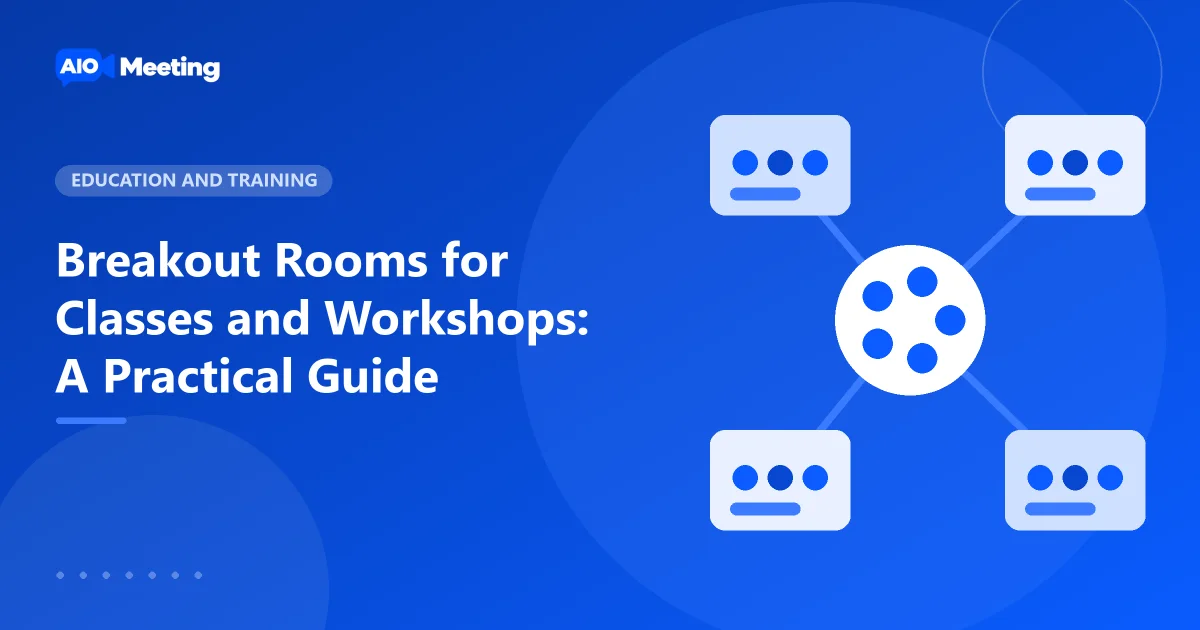
Education and trainingUse breakout rooms for group work in online classes and workshops. Create rooms, assign people, set a timer, broadcast messages and bring everyone back on time.
Oct 24, 2026 · 59 views

Hosting meetingsEvery session gets a meeting attendance report: who joined, when they left, the chat and a timeline. Open it, download the CSV and use it for classes.
Oct 22, 2026 · 65 views
Hosting meetingsRecord a video meeting to the cloud or to your computer, share the recording with a link and a passcode, and manage your recording storage the easy way.
Oct 20, 2026 · 64 views
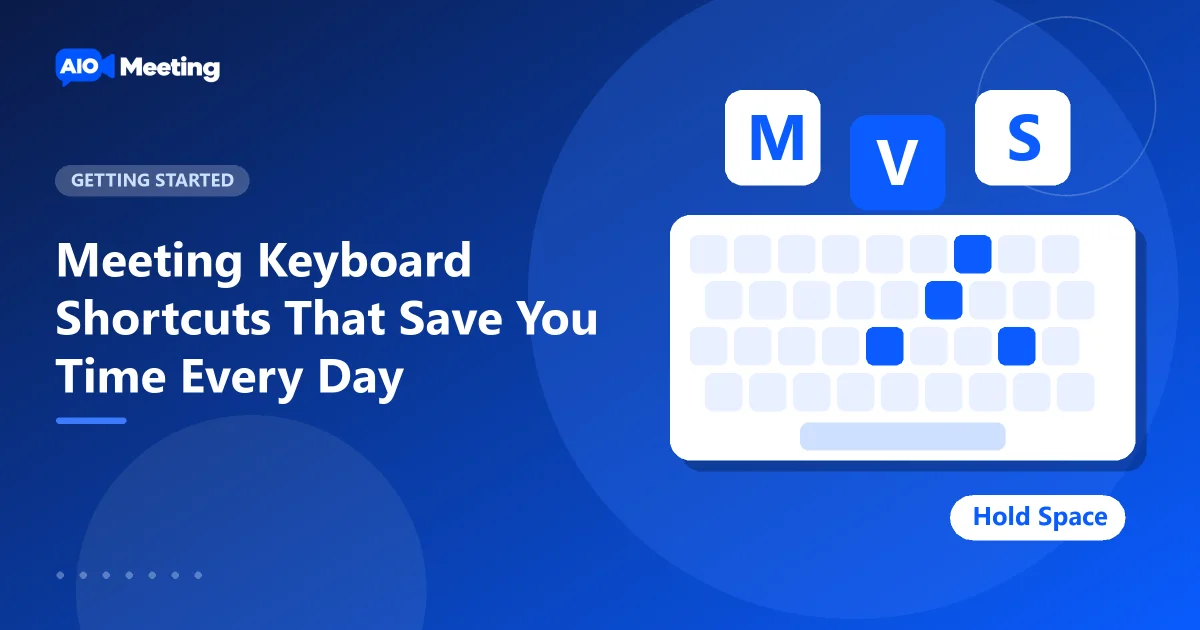
Getting startedLearn the meeting keyboard shortcuts for mute, camera, screen share, chat, raise hand and full screen, plus push to talk with Space. Every key on one page.
Oct 17, 2026 · 64 views

Getting startedJoin a meeting from your phone or tablet in the browser, add it to your home screen, or meet on a TV with a remote. Simple steps for each device, no app needed.
Oct 15, 2026 · 62 views

